
NFC Vault helps organization manages, protects, and shares data. Whether your teams are working remotely, across departments, or globally, you get complete control without losing performance or security. Also supports cloud backup solutions to help protect important files from accidental deletion, system failure, or unexpected data loss
Key Features :
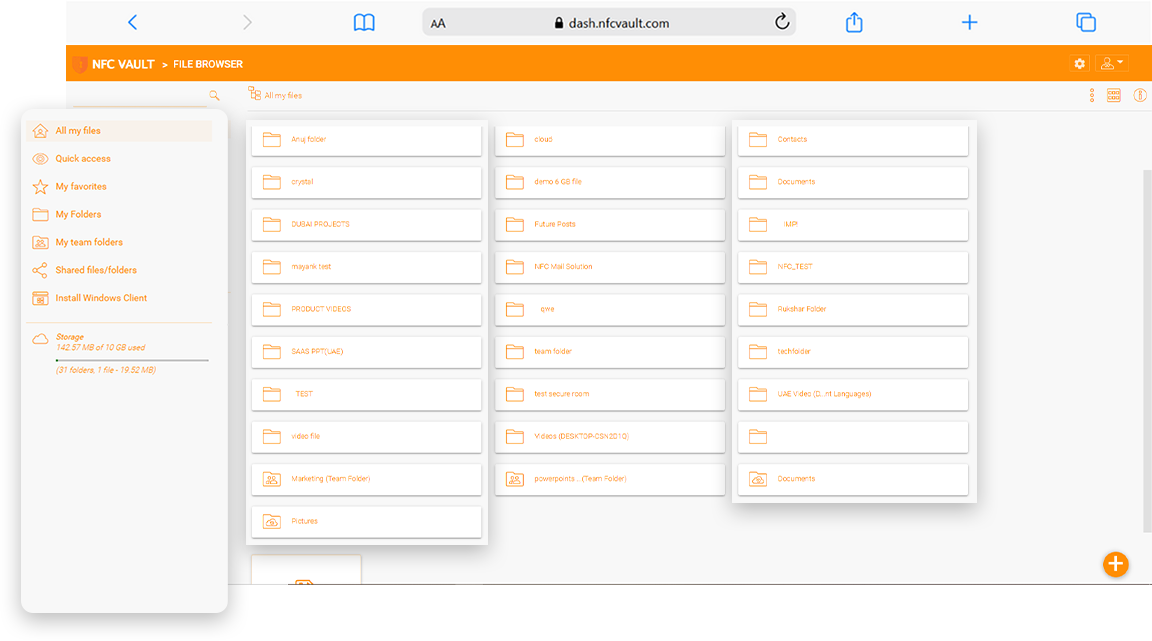
Sharing files should never expose your organization to risk. With NFC secure file storage and sharing, you can confidently collaborate inside and outside your organization.
NFC Vault enables controlled file distribution with:
Protects sensitive files during storage and transfer, helping prevent unauthorized access and data leaks
Gives you control over who can access, edit, or manage file based on their role
Allows safe file sharing with clients or partners using protected and controlled access links
Monitors all user actions instantly, helping you stay informed and maintain security

Managing large volumes of business data becomes simple with NFC Vault, helping you keep everything structured, secure, and easy to manage as your data grows.
Organize, track, and control your files with:
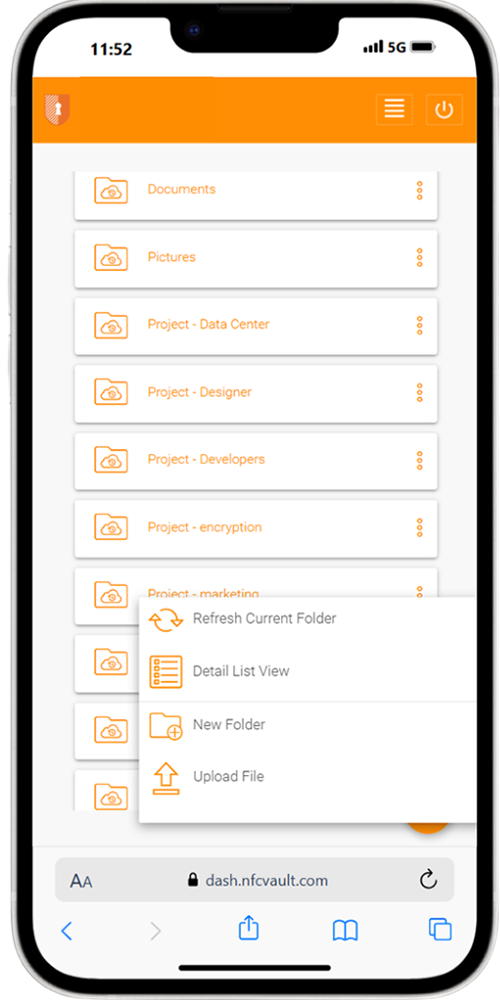
Work doesn’t stop at the office, and neither should your access. With secure mobile access, your teams can work safely from anywhere, whether you are in the office, at home, or while traveling. This ensures productivity stays consistent while keeping your data protection at all times.
Allows users to access business file from mobile, desktop, or browser while keeping access protected
Makes remote file access easier for employees without depending on complex VPN connections
Helps monitor and control user access across devices to reduce unauthorized login risks
Helps protect company files even when users access them from personal, remote, or unmanaged devices
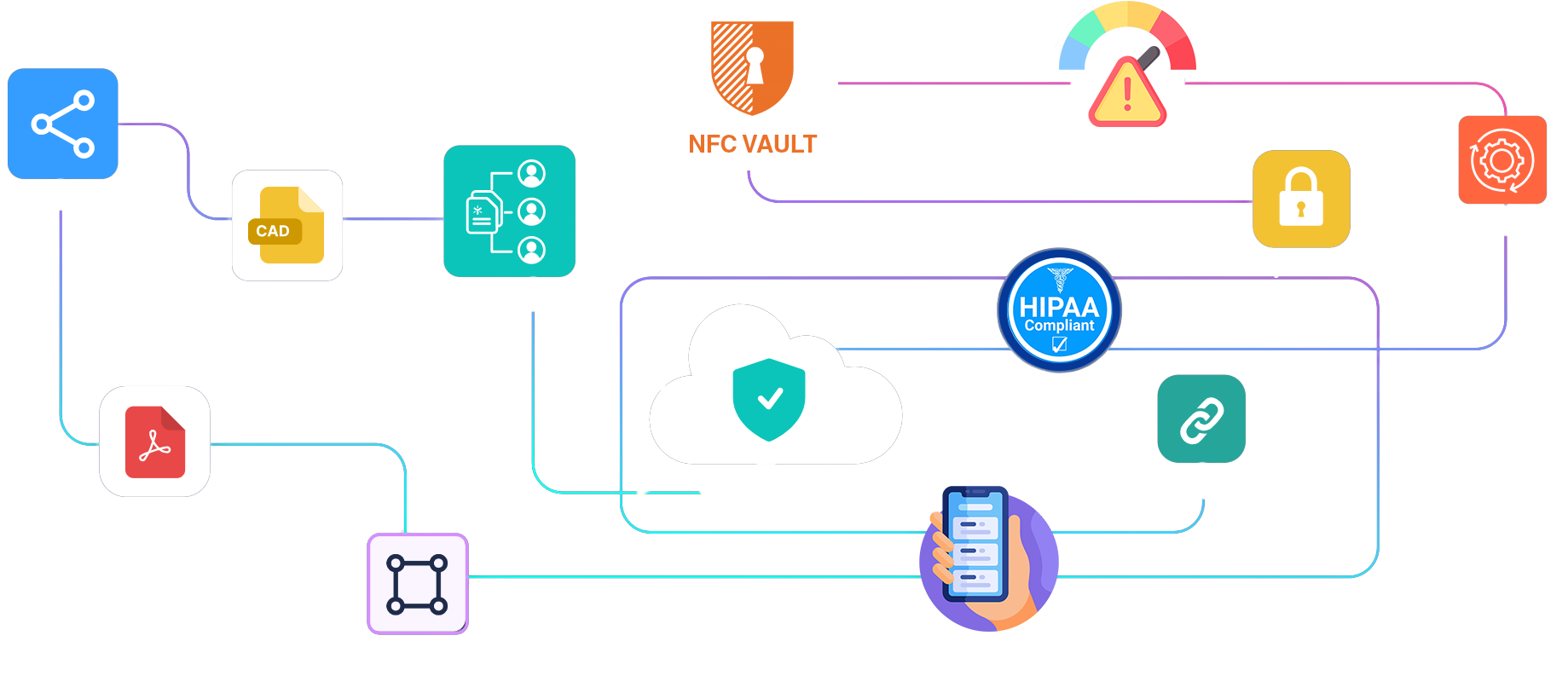
Businesses trust NFC Vault for its security-first approach, powered by AES-256 encryption and strong access control. It offers compliance ready infrastructure aligned with GDPR and ISO standards, making it easier to meet regulatory needs. With scalable architecture and high availability, it ensures reliable performance as your business grows. Advanced permission management gives you full control over your data, supporting secure collaboration and long term growth.
Keep your business files safe, easy to share, and ready to recover whenever needed with NFC secure file sharing platforms
Keeps files protected while they are stored and move between users, devices, and locations
Helps reduce the impact of ransomware attacks with protection features and recover options for affected files
Supports secure data handling, audit visibility, and policy-based access to help businesses meet GDPR and ISO-aligned requirements
Collaboration should be fast, easy, and secure. NFC Vault helps team share file, work together, and stay in control without confusion or data risks. It also works with modern online collaboration tools by giving teams secure access, real-time visibility, and controlled file sharing across locations
Share file quickly across departments, teams, and locations without delays
Prevent duplicate work version conflicts by allowing teams to work on the latest file version
Track file changes, user actions, and sharing activity for better visibility and control
Reduce confusion, avoid duplicate files, and improve productivity across your organization
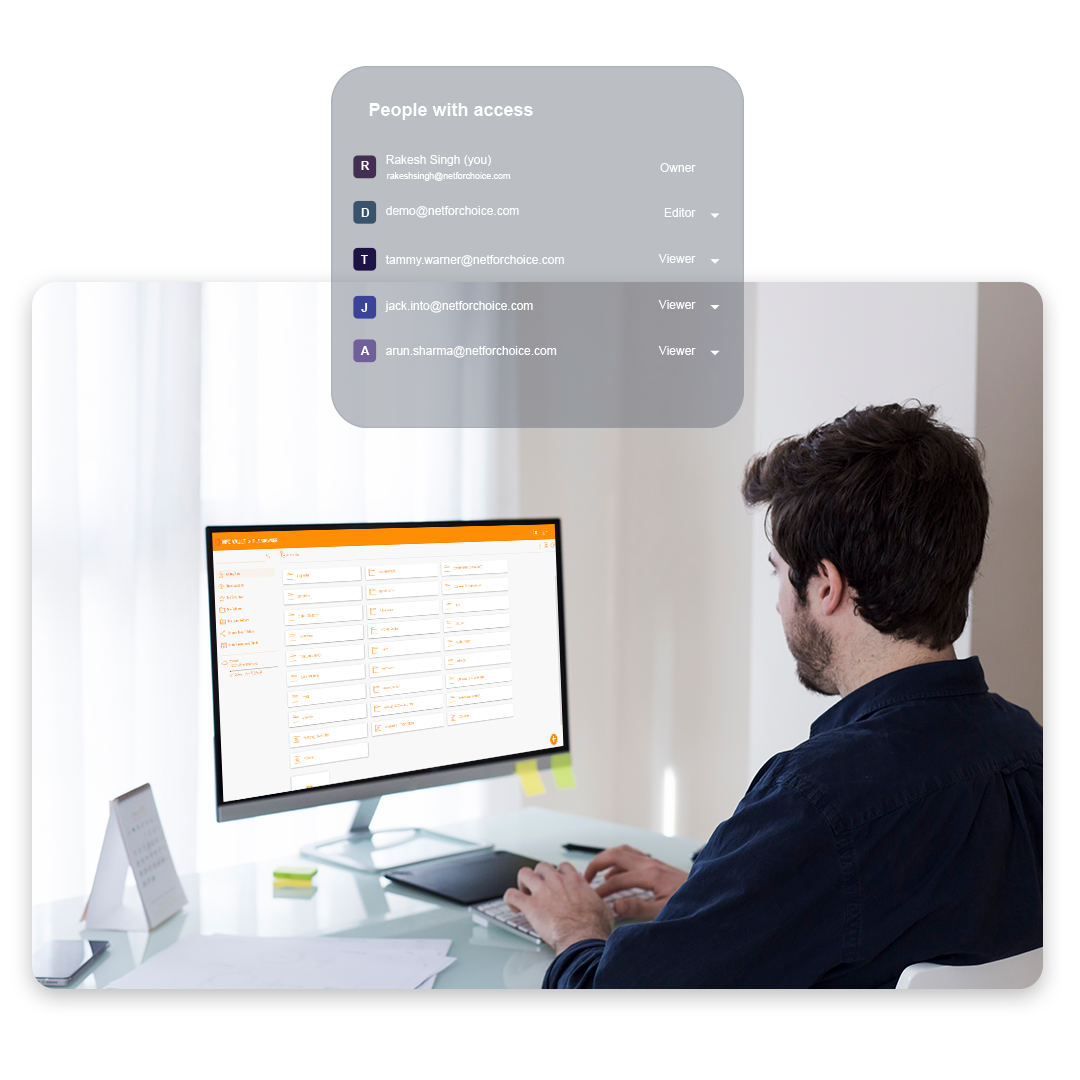
Share file safely with internal team, client, or external partners while keeping full control over who can access, view, or use the document
Set clear permissions for every folder, so you can decide who can view, edit, download, upload, or share important business files
Allow teams works on shared document without duplicate file, version confusion, or unnecessary back-and-forth between departments
Protect sensitive business documents with encrypted storage and secure access, ensuring your data stays private even when shared across teams
Our team will get back to you shortly.