
Experience next-level digital storage with NFC Vault — where your data stays safe, accessible, and lightning-fast.
Learn More →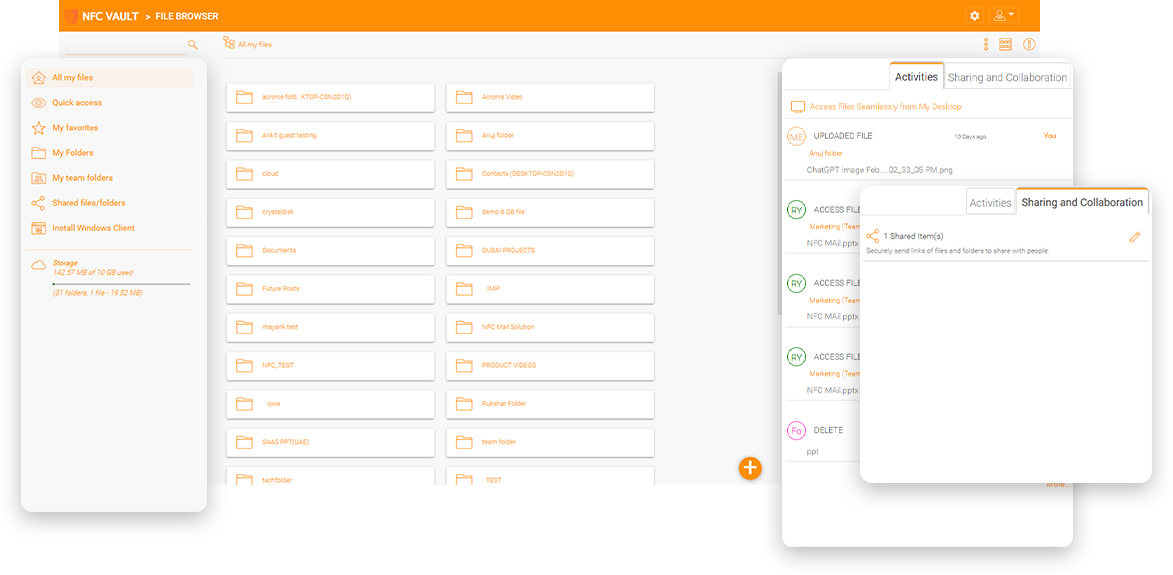
An electrical company used a traditional VPN for its field technicians, while most office workers used a local corporate network to access file servers. Following the pandemic, many office workers are moving to work from home as well. Toward the middle of 2020, the number of concurrently active VPN connections on the company's Fortinet firewall tripled. Remote workers were experiencing dropped connections and had to troubleshoot the slow VPN with dropped connections issue.

Another story involves a construction company that does not use Office 365's OneDrive or SharePoint because the permissions structure is very important to them. Since the company is in the electrical installation business and there are many project folders, permission structures have been set for the various projects. The synchronization of OneDrive folders breaks the permission.
A design firm has offices worldwide, including headquarters in London and branch offices in Australia and North America. To provide better remote file server access, the company moved the IT infrastructure to a data center in the UK. Access speed for local staff in the UK is good. However, remote employees in Australia and North America complained about slow file server access over a VPN. The company is looking for a solution to speed up cross-continent file delivery with a traditional mapped drive. The company would like to try if a solution can provide file server access over a global content delivery network to speed up cross-continent access.

The main reason is that VPN is a complex solution that effectively extends your corporate network to an external employee's desktop computer. Regardless of how tech-savvy they are, your remote workers need to understand terms like network, file server, mapped drives, VPN Access Client. Not to mention the numerous steps involved in establishing VPN connections. When VPN connections drop, you need to try to understand the underlying technologies, such as how to overcome corporate firewalls and the many different network protocols, as well as the possible reasons for the drop. It's not uncommon for your employees to give up and then call tech support. Both spend time outside of work troubleshooting VPN issues.
If you are dealing with VPN issues or VPN tickets, do you wish accessing your file servers was as easy as the user experience offered by cloud storage tools like those from Dropbox, OneDrive, or Google Drive?
However, you need to store files on your file server without resorting to other cloud solutions. You want an on-premises VPN-like solution, but one that addresses the issue of slowness and has advanced features.

A traditional VPN requires a stable and active connection to the corporate firewall to function. A disruption in the Internet or an interrupted connection to the firewall interrupts employees' work with unsaved files. With offline editing, remote workers can save and edit documents without an active connection and save the files asynchronously to a corporate file server once the connection is restored.

A firewall vendor typically offers VPN without an always-on feature. Always-on VPN requires more infrastructure components such as identity servers, authentication servers, compatible clients OS, etc. However, most modern cloud applications are always-on, allowing offline access to files and folders and storing files on a local device before synchronizing them with online servers.

Accessing file servers is hardly high-performance, because when a VPN serves as an enabler, file access is done via the SMB/CIFS protocol. First of all, the SMB protocol is not a data streaming protocol with many requests and responses. If we can switch to HTTP streaming for file transfer, performance will improve. Second, HTTP-based file transfer traffic can take advantage of a global content delivery network, so HTTP is faster for cross-continent transfer.
NFC Vault enables public and private Windows file sharing without a VPN. Empower remote workers and home workers with a simple and secure file server access solution from anywhere using any device.
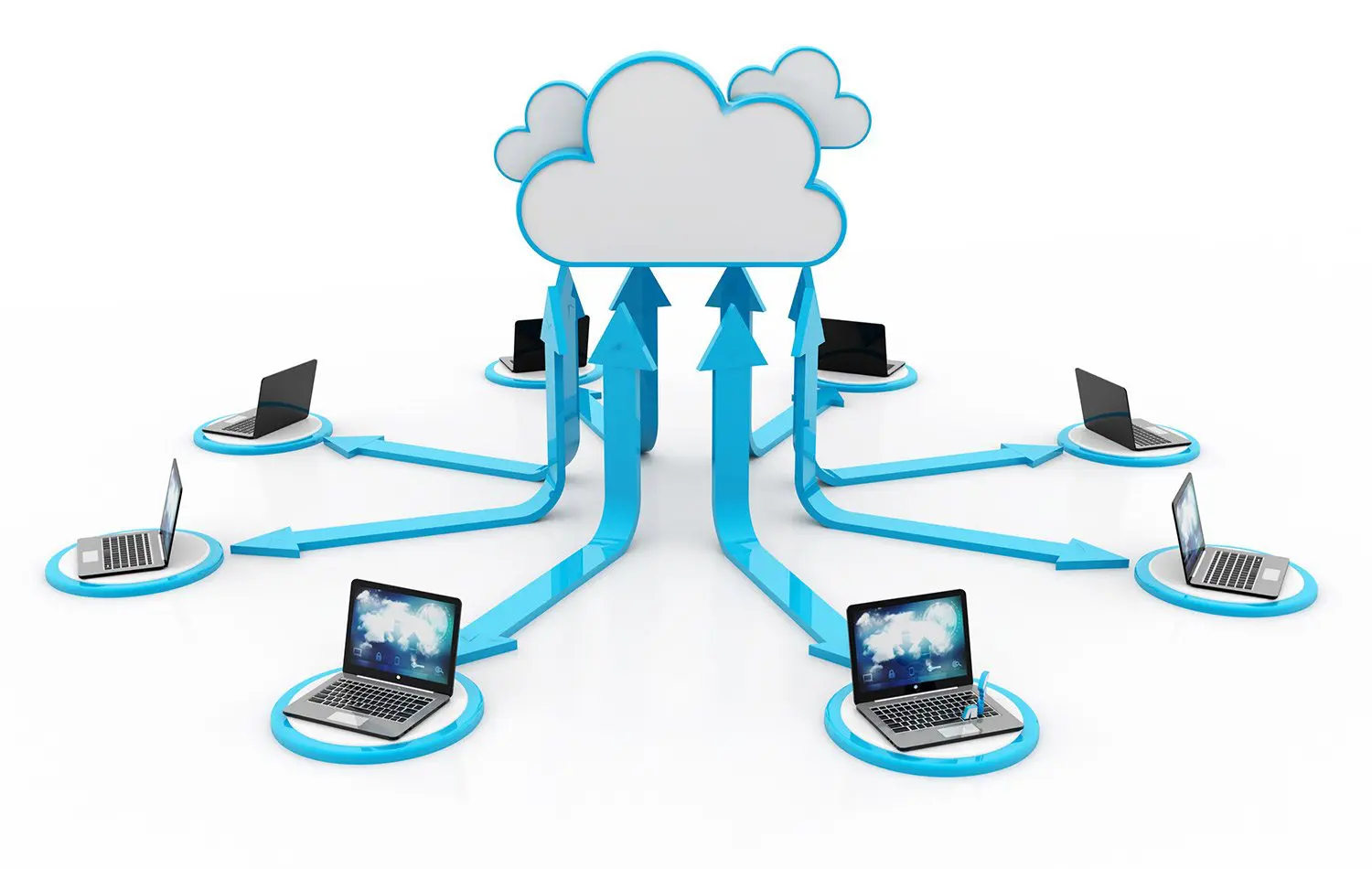
NFC Vault sets up a hybrid deployment between on-premises file servers and cloud storage that can be seamlessly converted to a cloud-only deployment
NFC Vault leverages cloud storage for secure mobile file sharing via a web browser or mobile app
Accessing files and folders directly from a web browser is as interactive as from a desktop drive.
NFC Vault connects file servers and cloud storage for secure remote access without VPN.
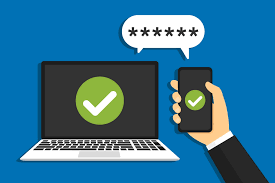
NFC Vault integrates with ADFS, Azure AD and other SAML 2.0 compliant identity services. In addition, 2-factor authentication is enabled and enforced for all users, providing an additional layer of security. Once authenticated in NFC Vault, your users will have the same access to your company's file servers when working from home or remotely as they do in the office.

The platform, when enabled, can encrypt all data on all endpoints, ensuring that your most sensitive information never leaves a secure environment, no matter where your employees access it.
The solution allows you to take existing user and role permissions from your file server and easily apply them to your remote employees' devices. It also allows users to simplify their login processes with Active Directory.
From a mapped drive on Windows Explorer to a mounted volume on macOS to file locking, web browser access, and mobile app access, NFC Vault is an all-in-one access solution that provides end users with seamless drive mapping
Additional features include version control, audit trace, file change log report, and cloud backup. These features improve your file server's performance for business continuity, regulatory compliance, and a better fit for cloud mobility in the future!
As business processes become less dependent on or tied to a physical location, data security and remote access have become central to operations.
Secure remote access is just one of the many benefits NFC Vault offers to businesses looking for a fast solution to support their mobile workforce
Secure remote access refers to security policies or strategies to protect sensitive data transmissions when accessing devices or networks not controlled by the organization.
With the blossoming of Internet-connected devices and digital processes in the modern work environment, many organizations are no longer tied to a single location. Employees can now access corporate resources and networks from a variety of devices and locations.
While this offers many benefits to businesses and their employees, it also makes traditional data security measures obsolete. Old concepts of access control via endpoints and passwords fall short in remote environments because they rely on an employee's physical presence in the office with a set of pre-secured devices.
On the other hand, secure remote access ensures that anyone accessing your file server or network remotely is authenticated and using a secure internet connection. It's basically another layer of security between your users (or employees) and your data. Before a user can connect to your file server, the application that runs a secure remote access policy might check the following:
Our team will get back to you shortly.